










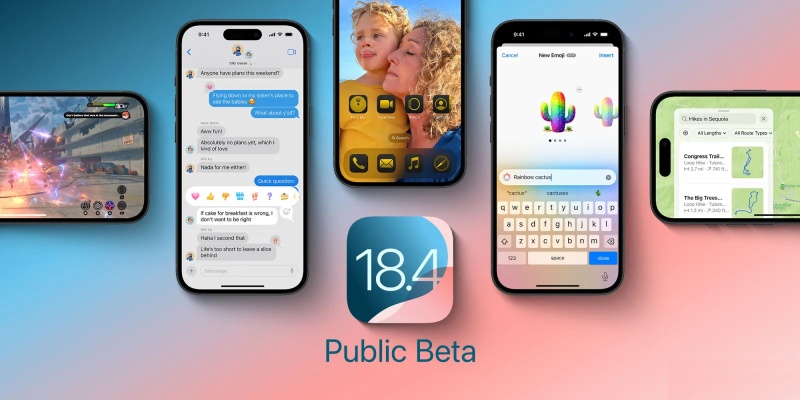

After the release of iOS 18.3 over a month ago, there was a lengthy gap without any new software. But now that the first public beta of iOS 18.4 is available, the iPhone will see many big and small changes. What’s new in today’s release is listed below.
New Apple Intelligence features, including Priority Notifications
The initial iOS 18.4 beta offers the following four new Apple Intelligence upgrades and changes:
- Priority Notifications: By default off, you can make your most essential alerts stand out on your lock screen by going to Settings ⇾ Notifications ⇾ Prioritize Notifications.
- Upgrade of Image Playground: There is now a third style available in Apple’s AI image creation tool: Several options for animation and illustration are joined by Sketch.
- New supported languages: Apple Intelligence was previously only available in English, but now it supports 10 other languages.
- AI in the European Union: Previously, users in the EU could only use Apple Intelligence on Macs, but now iPhones and iPads may also access the entire suite of AI features.
Features for recipes and food in Apple News+
In iOS 18.4, Apple News+ is improving with a significant addition of recipe and food-related features.
News+ customers have access to a special Food center within the News app, where they can find “tens of thousands” of recipes. News on restaurants and other food-related topics are also covered. The recipes themselves are shown in a stunning new UI that makes following along simple.
This will be a welcome change if you frequently utilize recipes from the internet. An interface for a recipe that is devoid of intrusive ads is fantastic.
Additionally, the recipe itself has a good device integration feature that allows you to start a timer with a simple tap.
Ambient Music in the Control Center and more
Control Center now has a new Ambient Music option that allows you to select from four distinct “mood” soundtracks:
- Chill
- Productivity
- Sleep
- Wellbeing
Although every option is automatically assigned to a certain Apple Music playlist, you can change which playlist is played by selecting from pre-made selections or creating your own. Each control can be put to the Action button or Lock Screen on your iPhone in addition to the Control Center.
Everything else
- New default app categories: iOS 18.4 adds the ability to set a default translation app to the list of categories where you can choose your iPhone’s default apps. In the EU, there is also a new option for navigation.
- Widgets for Apple Podcasts apps: Users of Apple Podcasts now have the option to choose between two new widget types: Library and Shows. Both offer easy access to various episode groups.
- The growing grid of apps for CarPlay: iOS 18.4 expands the regular grid of app icons from two to a third row for customers with a large enough CarPlay display.
- Robot vacuums with Matter: Robot vacuums that interact with the cross-platform Matter standard are now supported by the Home app.
- Miscellaneous: iOS 18.4 also includes several UI upgrades and changes, such as different Control Center and Safari changes, new options when editing your Photos album list, a shortcut to launch a particular Messages discussion, and more.
What’s missing: Siri upgrades
Three significant Siri upgrades—onscreen awareness, personal context understanding, and new in-app actions—were anticipated in iOS 18.4. Unfortunately, beta 1 does not support any of these at this time.
Some of these Siri changes might be included by Apple in upcoming iOS 18.4 betas.