


















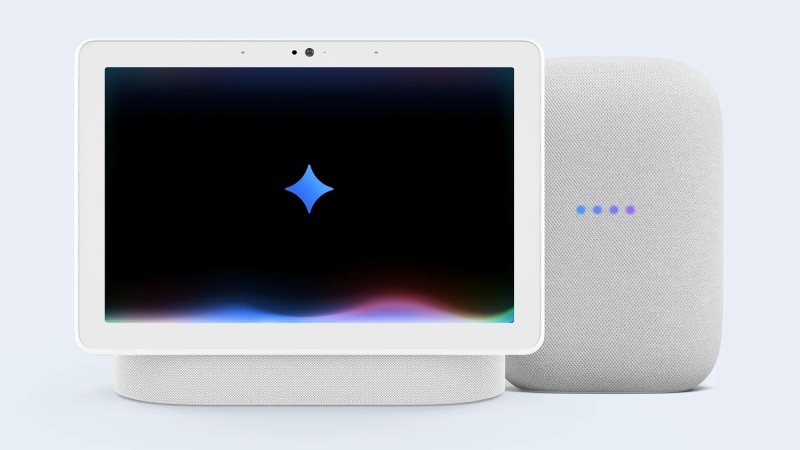

The new Gemini for Home assistant, which started to roll out in early access on Tuesday, is now available to Google smart home users in the US. One of the biggest changes to Google’s smart home ecosystem to date, it will take the place of the current Google Assistant on Nest devices. Compared to Google Assistant, it can perform more complicated tasks and provide a more conversational tone because it is based on the Gemini LLM.
You must obtain early access if you wish to test Gemini for Home beforehand. To begin, navigate to your Google Groups settings and choose “Global Settings.” If your request is accepted, you can join the early access group by checking the “Add me to their groups” option. Next, open the Google Home app. Choose “Home settings” after choosing your profile picture (or initials if you haven’t set one). You should be able to request access to Gemini for Home using the “early access” option.
Gemini for Home will take the place of Google Assistant on all of your compatible devices after you sign up for early access. Remember that if you decide to change your mind, you won’t be able to return to Google Assistant. Additionally, Gemini Live and the ability to search your camera history with Gemini for Home are two capabilities that need a paid Google Home Premium subscription.