


















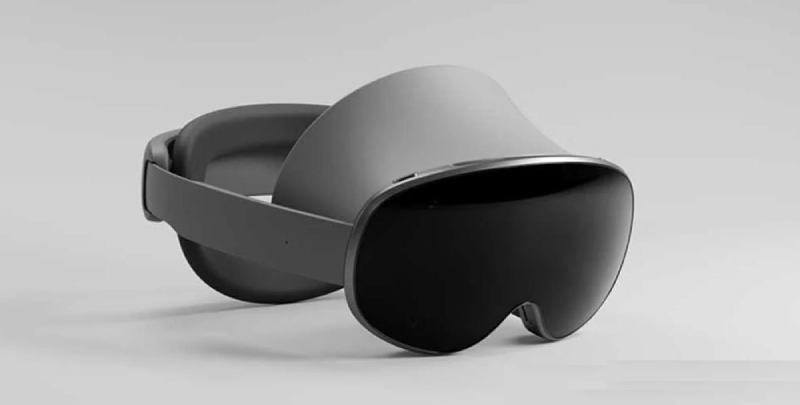

Samsung unveiled the Project Moohan prototype, their first XR headset, earlier this month. It will directly compete with Apple’s Vision Pro and run on Google’s recently released Android XR operating system. At the time, the two companies had very little in common regarding the OS and headset. But that is gradually shifting. Google announced last week that Find My Device will work with Android XR. We now have information on how to manage it.
Google has disclosed that Android XR offers “gesture navigation” on the Android Developer website. It combines the more modern button-less gesture interface with Android’s traditional three-button navigation.
The OS will display a diamond-shaped button as soon as you raise your hand. You will need to pinch it with your thumb and fingers together in order to press it. You will then see three buttons that you are accustomed to seeing. Launcher is represented by a circle, back by a triangle, and recents by a square. Slide your hand over it and release the pinching gesture to choose one.
The navigation gesture on Android XR appears to be incredibly user-friendly. Its simplicity of use is enhanced by the fact that it is built on top of Android’s navigation systems. The most important thing is to get the fundamentals right, and it appears that Google is headed in the right direction.
Additionally, the OS contains two spaces: Home Space and Full Space, according to the company.